Draw to scale
Create lines, rectangles, circles, polylines, text labels, arrows, filled areas, and measurements using real drawing scales.
From underlay tracing to scale-aware linework, Dice CAD gives subcontractors the drawing tools they need without burying the work inside a heavy desktop CAD setup.
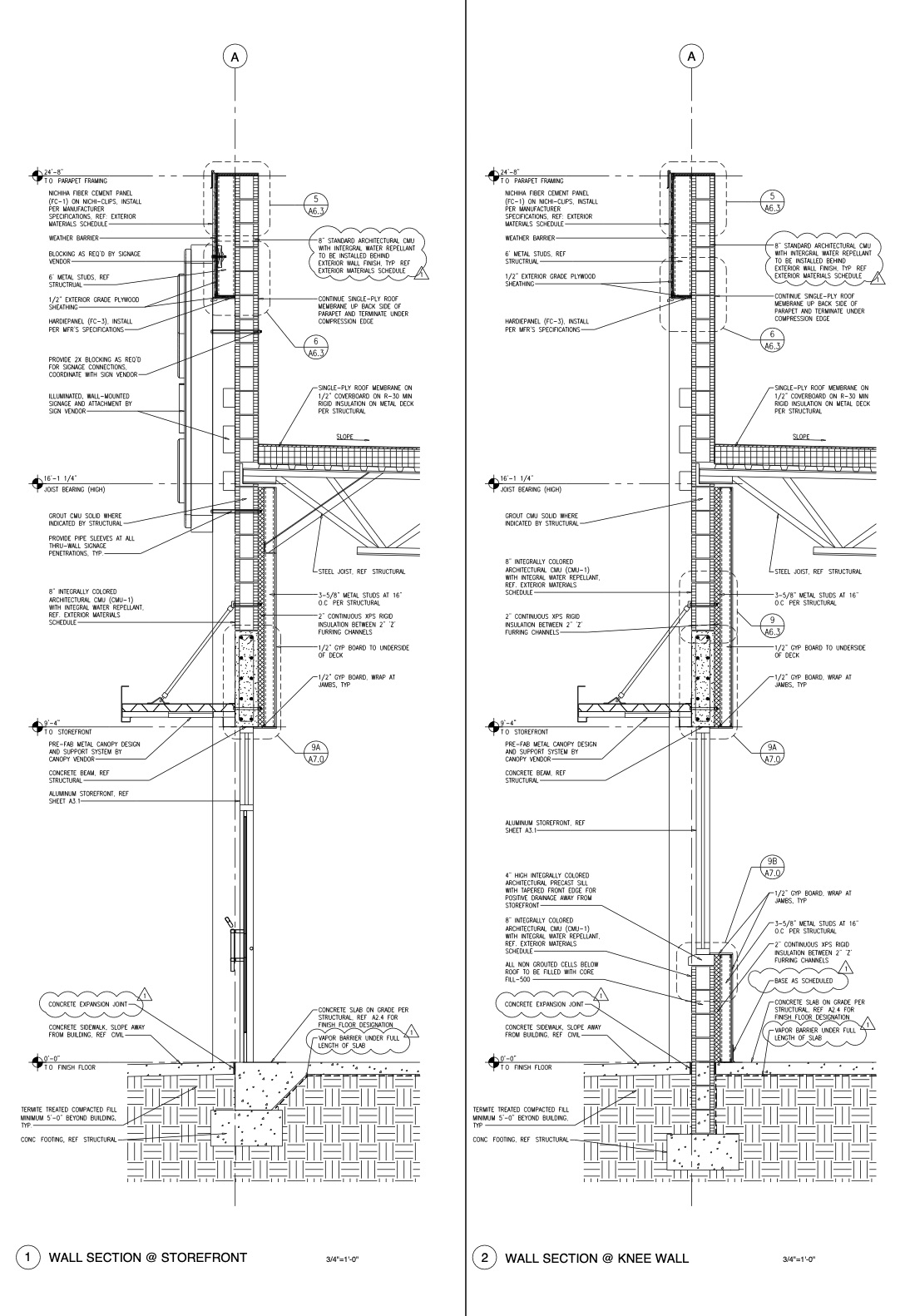
Drawn using Dice CAD
Dice CAD gives construction teams a practical drawing workspace for shop drawings, layout drawings, markups, and details. You can draw to scale, add dimensions and notes, trace over uploaded PDF or image underlays, reuse common details as templates, save work online, and export finished drawings as PDF files.
Create lines, rectangles, circles, polylines, text labels, arrows, filled areas, and measurements using real drawing scales.
Upload a PDF, plan sheet, elevation, detail, or image and place it behind the canvas so you can trace the information you need.
Keep multiple canvases inside one project so each project can include different details, elevations, or drawing sheets.
Save repeated details and duplicate selected geometry so you can reuse standard drawing parts instead of redrawing them every time.
Save projects to your account, return later from another device, and keep project drawings organized in one place.
Download finished shop drawings as PDF files for review, submittals, field use, or sending to clients and general contractors.
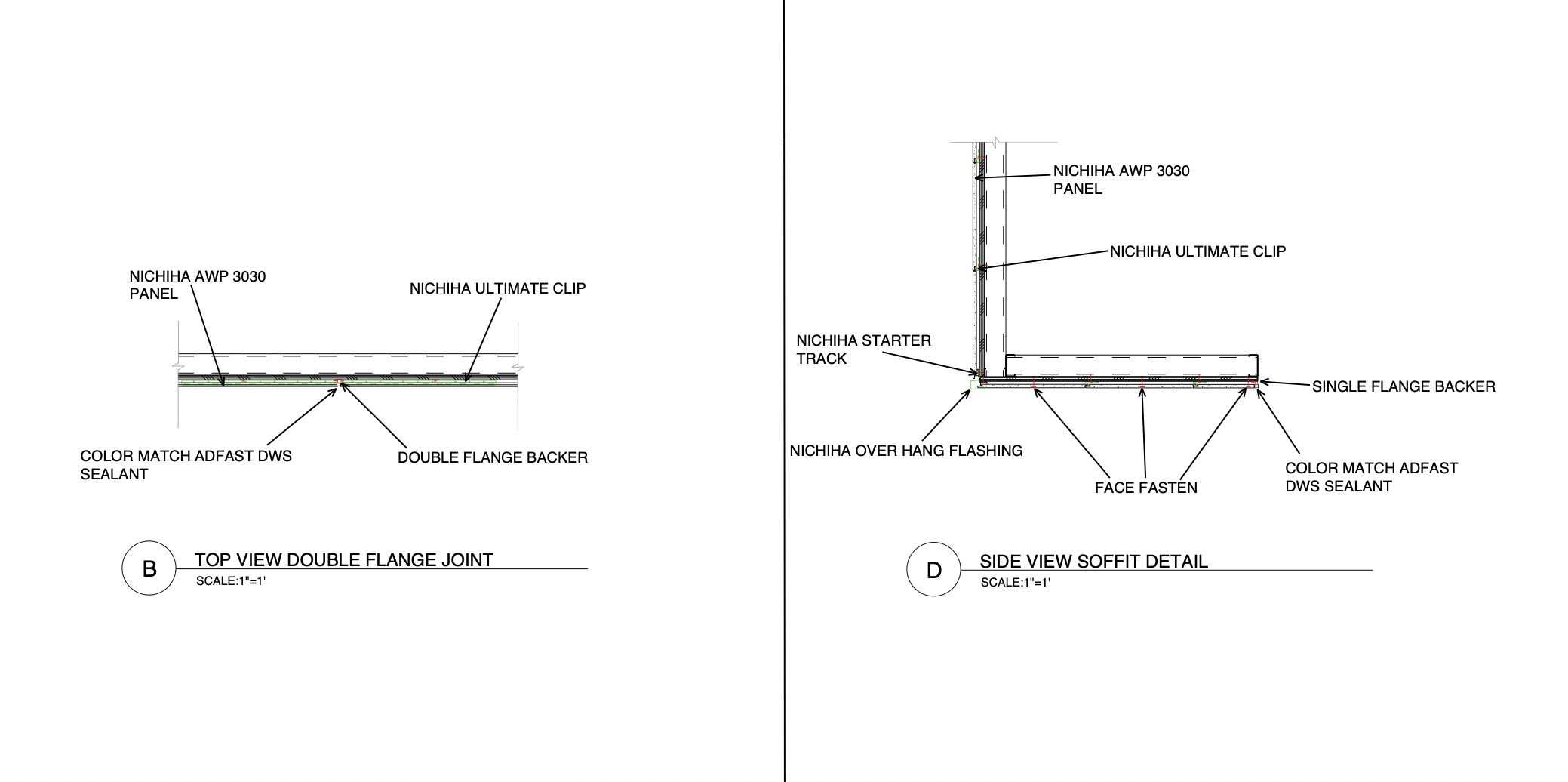
Drawn using Dice CAD
The goal is to help you move from reference documents to a finished drawing faster, without needing a heavy desktop CAD setup.
Create an account to start a project, test the drawing tools, and see if Dice CAD fits your shop drawing workflow.
Create Account Login