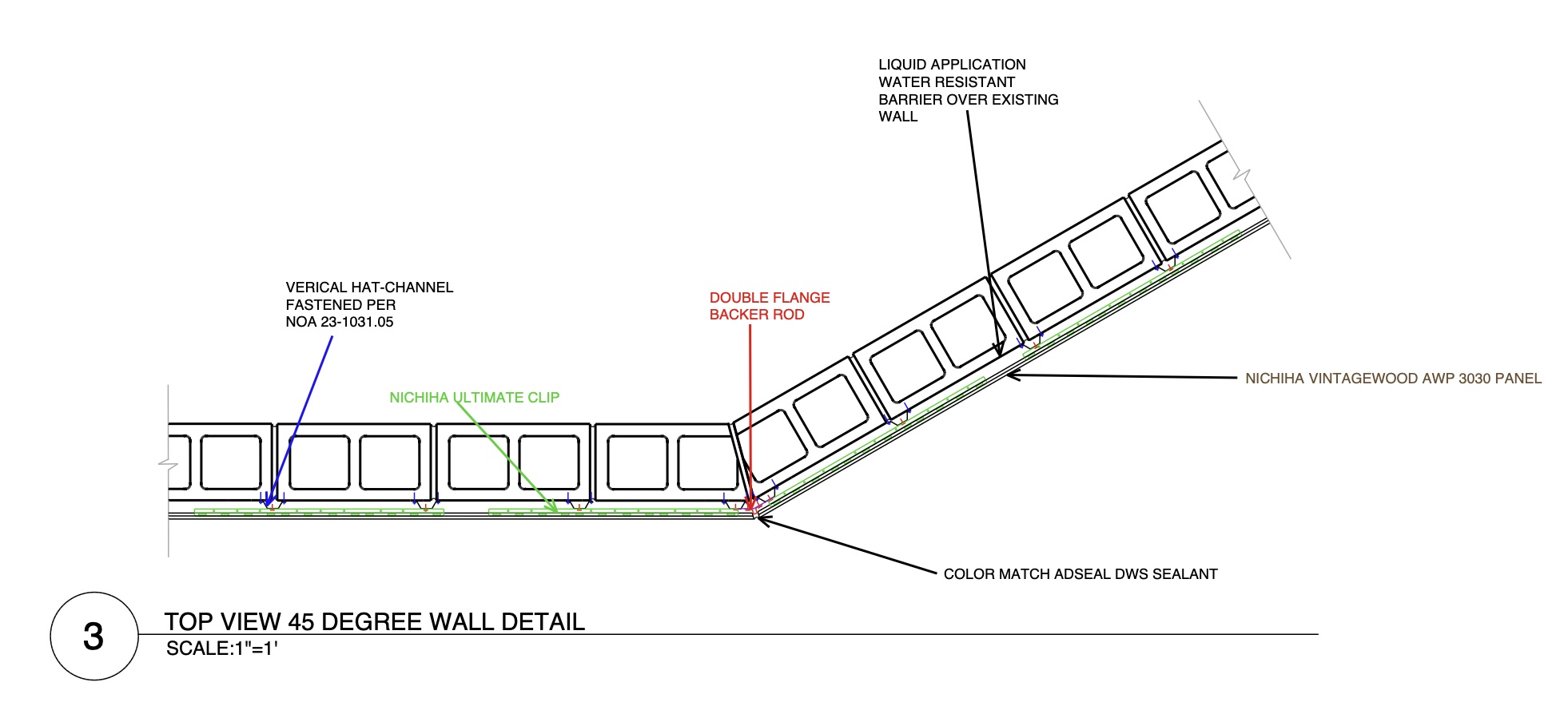
Browser-based shop drawing software

Draft shop drawings without the desktop CAD weight.

Dice CAD is browser-based shop drawing software for construction subcontractors. Draw details to scale, trace imported PDF plans and images, reuse standard construction details, organize project sheets, and export professional shop drawings as PDFs without installing traditional desktop CAD software.

Arch DExport-ready drawing sheets
ScaleReal drawing scales and dimensions
CloudProjects saved to your account
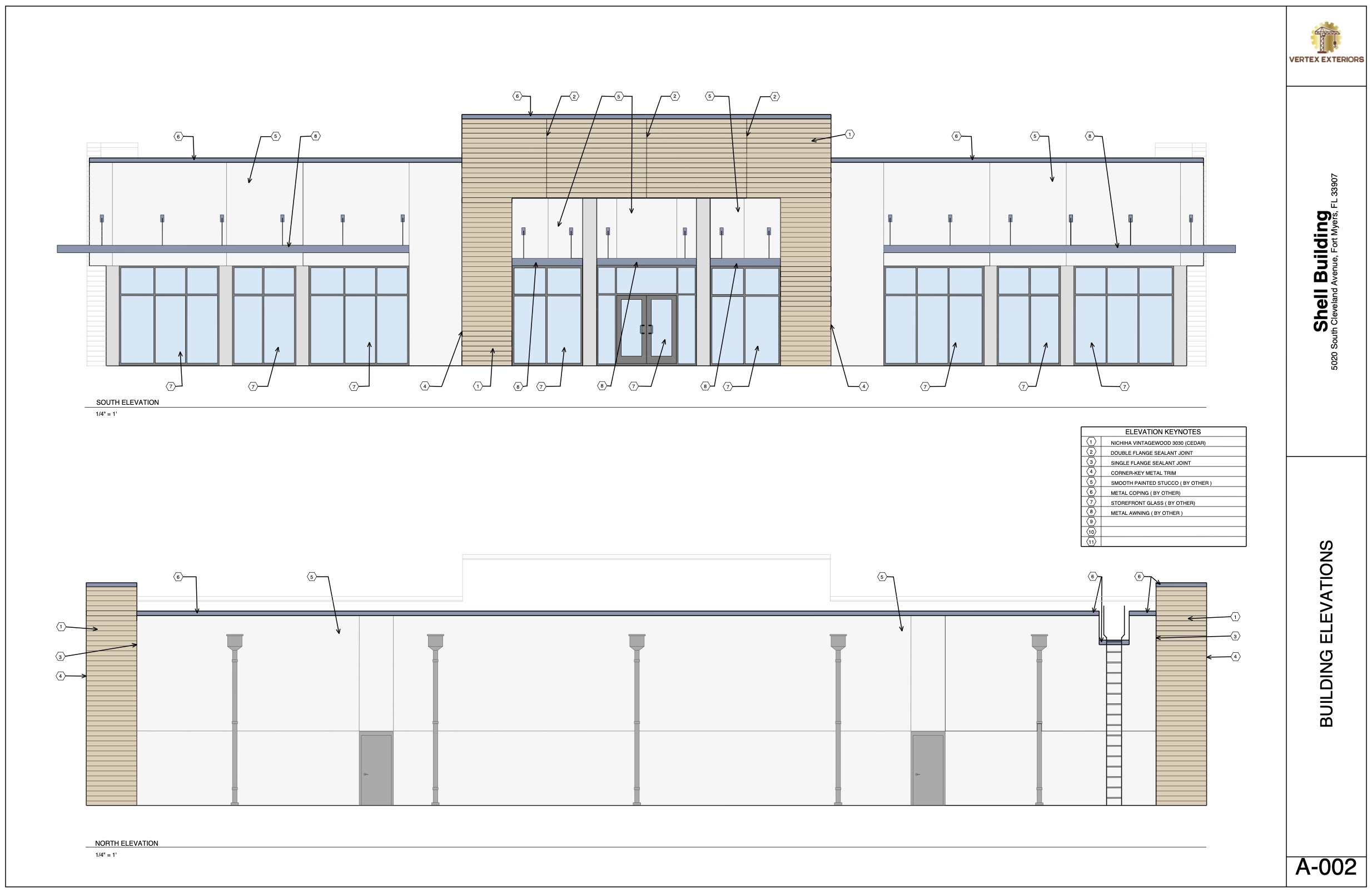
Dice CAD building elevation drawing
Live drawing workspaceDrawn using Dice CAD
Built for the drawings subcontractors actually repeat.

Fast enough for markups, structured enough for submittals, and simple enough to open on any modern browser.

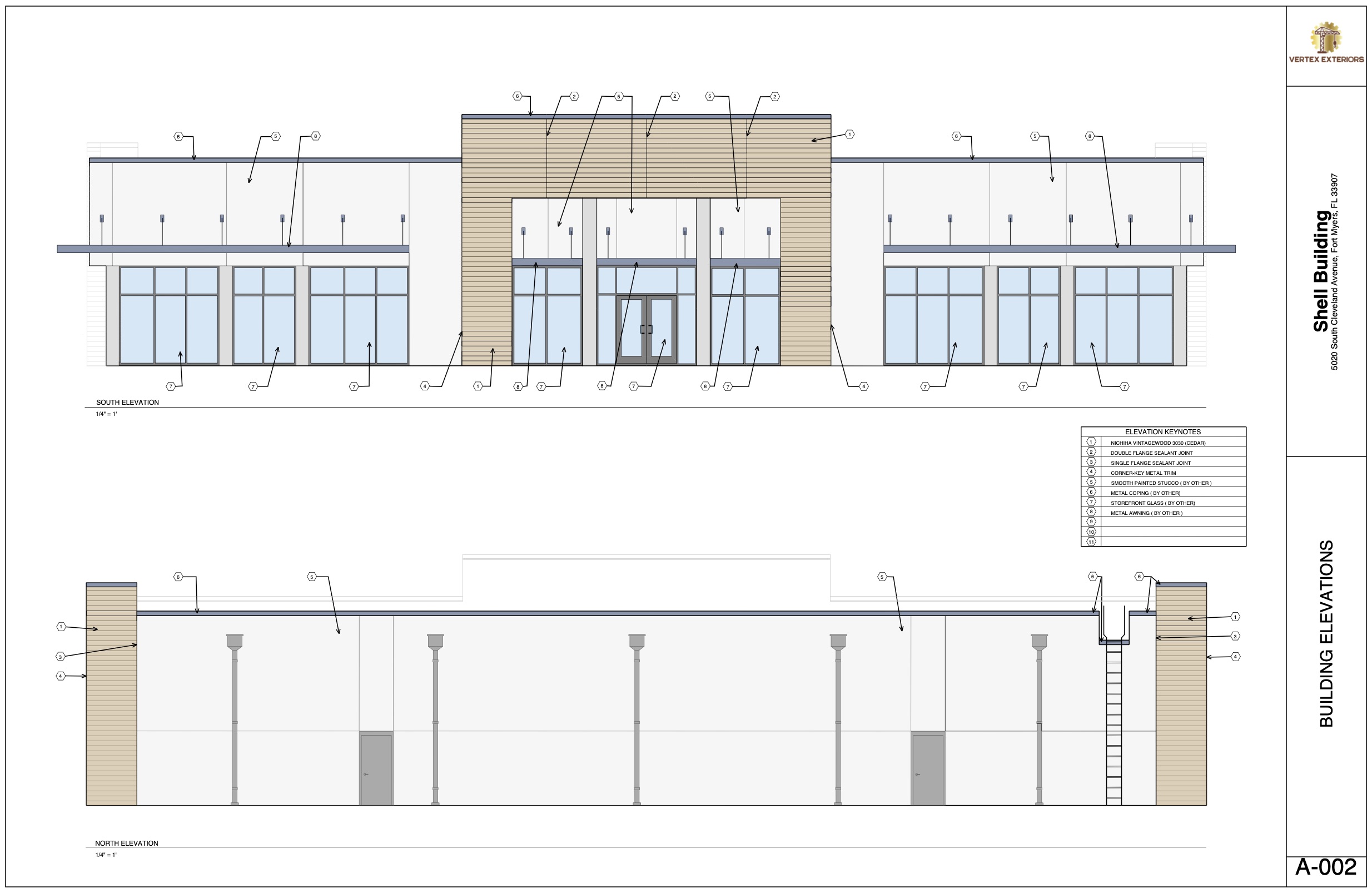
Dice CAD shop drawing preview
From reference to submittal

A lighter workflow for serious project drawings.

Create a project, add sheets, trace underlays, draw linework and notes to scale, reuse saved details, and export the final package when the drawing is ready.

01Create project sheets
02Trace plans and details
03Draft reusable linework
04Export the PDF set

Frequently asked questions about Dice CAD.

Clear answers about the drawing workspace, free account, paid plans, project storage, and PDF export.

What is Dice CAD?

Dice CAD is browser-based shop drawing software that helps construction subcontractors create scaled details, trace plan underlays, organize drawing sheets, reuse templates, and export finished work as PDF files.

Who is Dice CAD designed for?

Dice CAD is designed for subcontractors and construction teams that need a focused way to create shop drawings, layout drawings, markups, elevations, and construction details. See the full feature overview.

Can I try Dice CAD for free?

Yes. You can create a free account without a credit card, create one project, and test the drawing workspace. Drawing progress and uploaded underlays are not saved after you exit unless you subscribe. Review the plan details.

Does Dice CAD require an installation?

No. Dice CAD runs in a modern web browser, so there is no traditional desktop CAD program to download or install.

Can I upload PDF plans or images to trace?

Yes. You can upload a PDF or image as an underlay, position it behind the drawing canvas, and trace the plan information you need.

Can I draw using architectural scales?

Yes. Dice CAD includes scale-aware drawing and measurement tools for creating shop drawing geometry and dimensions at architectural scales.

Can I save projects and reuse drawing templates?

Yes. A paid subscription lets you save projects and drawing progress, keep cloud backups, and create reusable templates for repeated construction details.

Can I export shop drawings as PDF files?

Yes. PDF export is included with paid Dice CAD subscriptions, allowing you to download finished drawing sheets for reviews, submittals, field use, or clients.

What is included with a paid subscription?

Both paid plans include unlimited projects, saved drawing progress, PDF exports, cloud backups, and reusable templates. The monthly plan is $15 and the yearly plan is $162.

Is Dice CAD a replacement for traditional desktop CAD?

Dice CAD is a focused browser-based alternative for shop drawing work. It removes much of the setup and complexity of traditional CAD, although highly specialized CAD workflows may still require other tools.

Open a blank sheet and start drafting.

Create an account, start a project, and test the drawing tools directly in your browser.