Browser-based shop drawing software

Draft shop drawings without the desktop CAD weight.

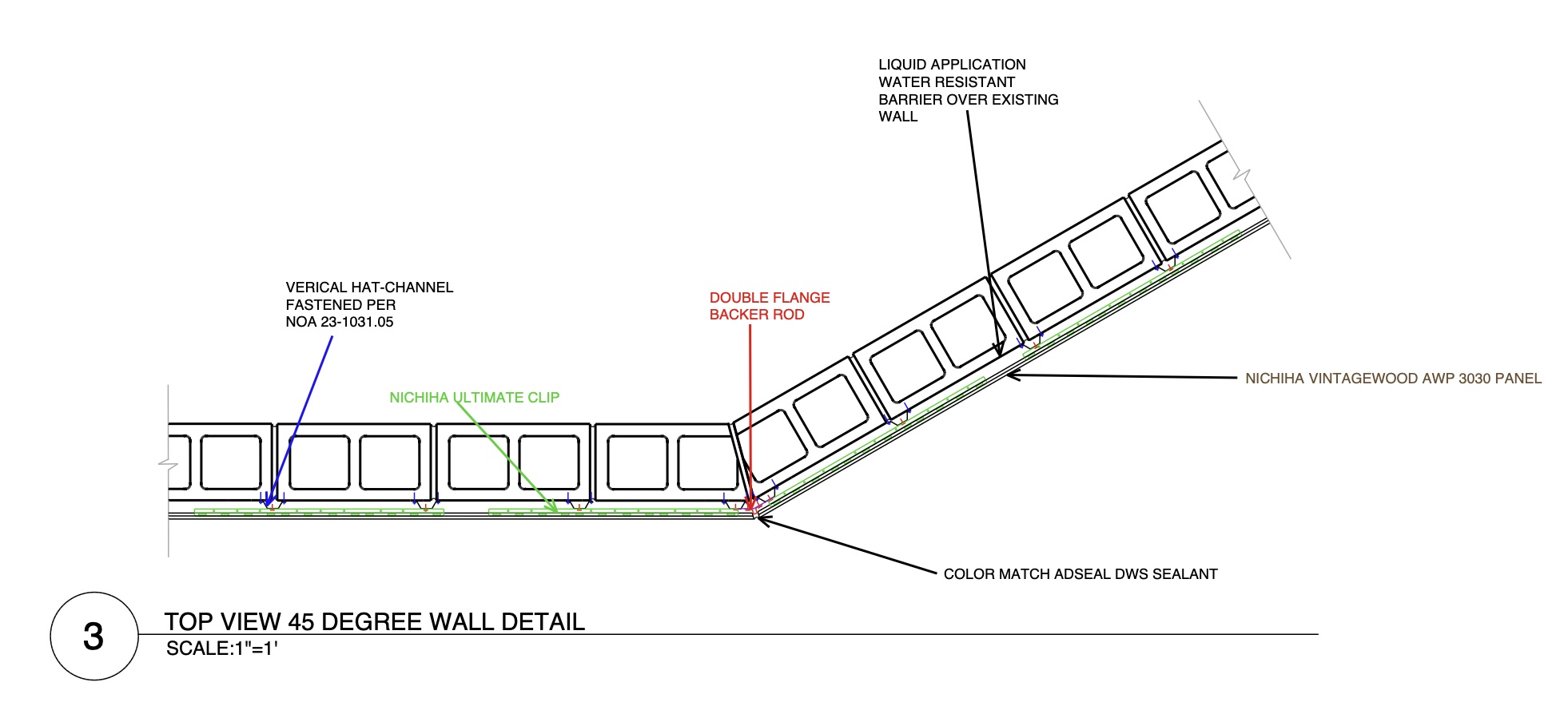
Dice CAD gives subcontractors a clean, scale-aware workspace for tracing plans, building details, saving templates, and exporting polished PDFs from the browser.

Arch DExport-ready drawing sheets
ScaleReal drawing scales and dimensions
CloudProjects saved to your account
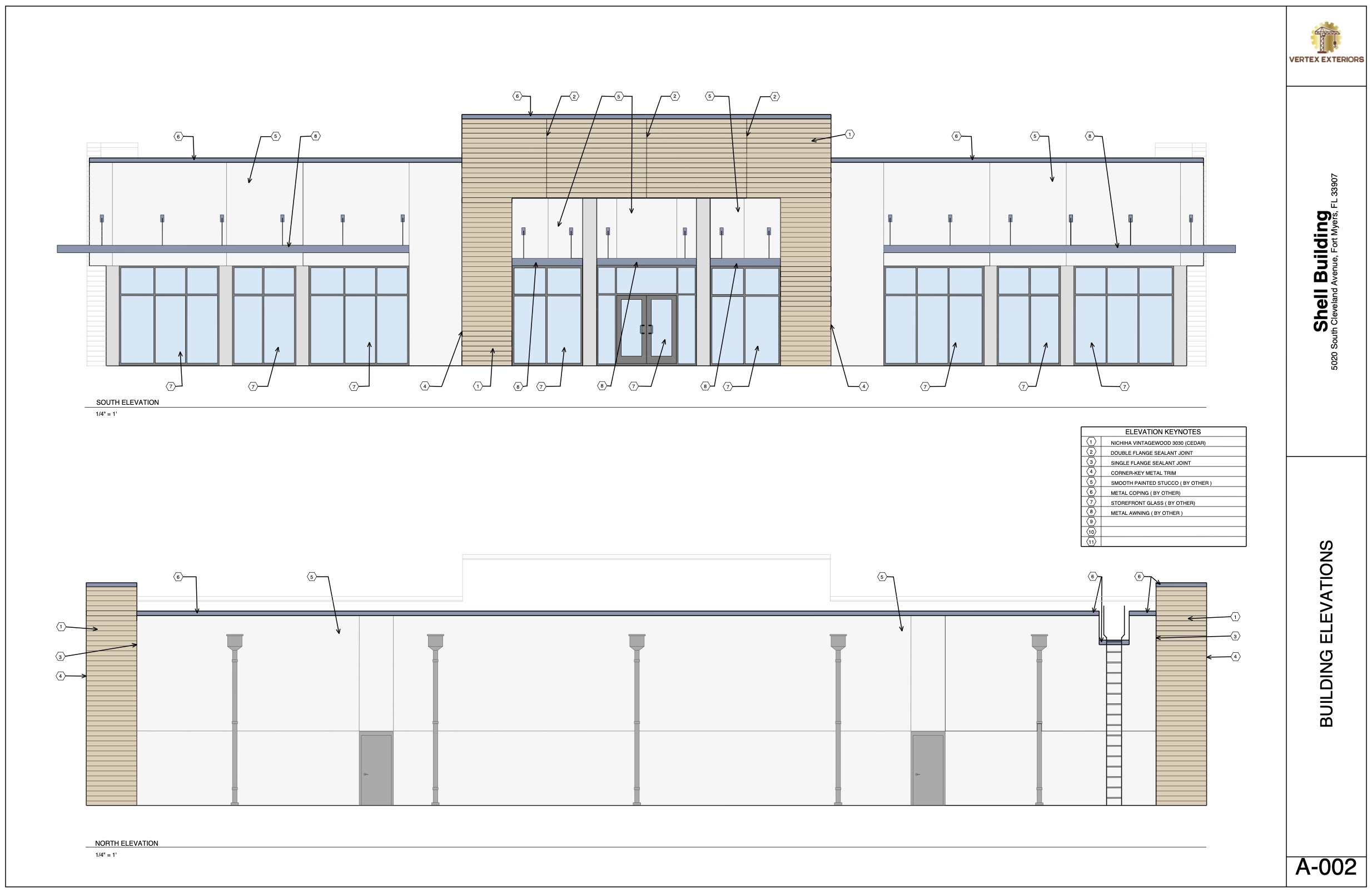
Dice CAD building elevation drawing
Live drawing workspace Drawn using Dice CAD
Built for the drawings subcontractors actually repeat.

Fast enough for markups, structured enough for submittals, and simple enough to open on any modern browser.

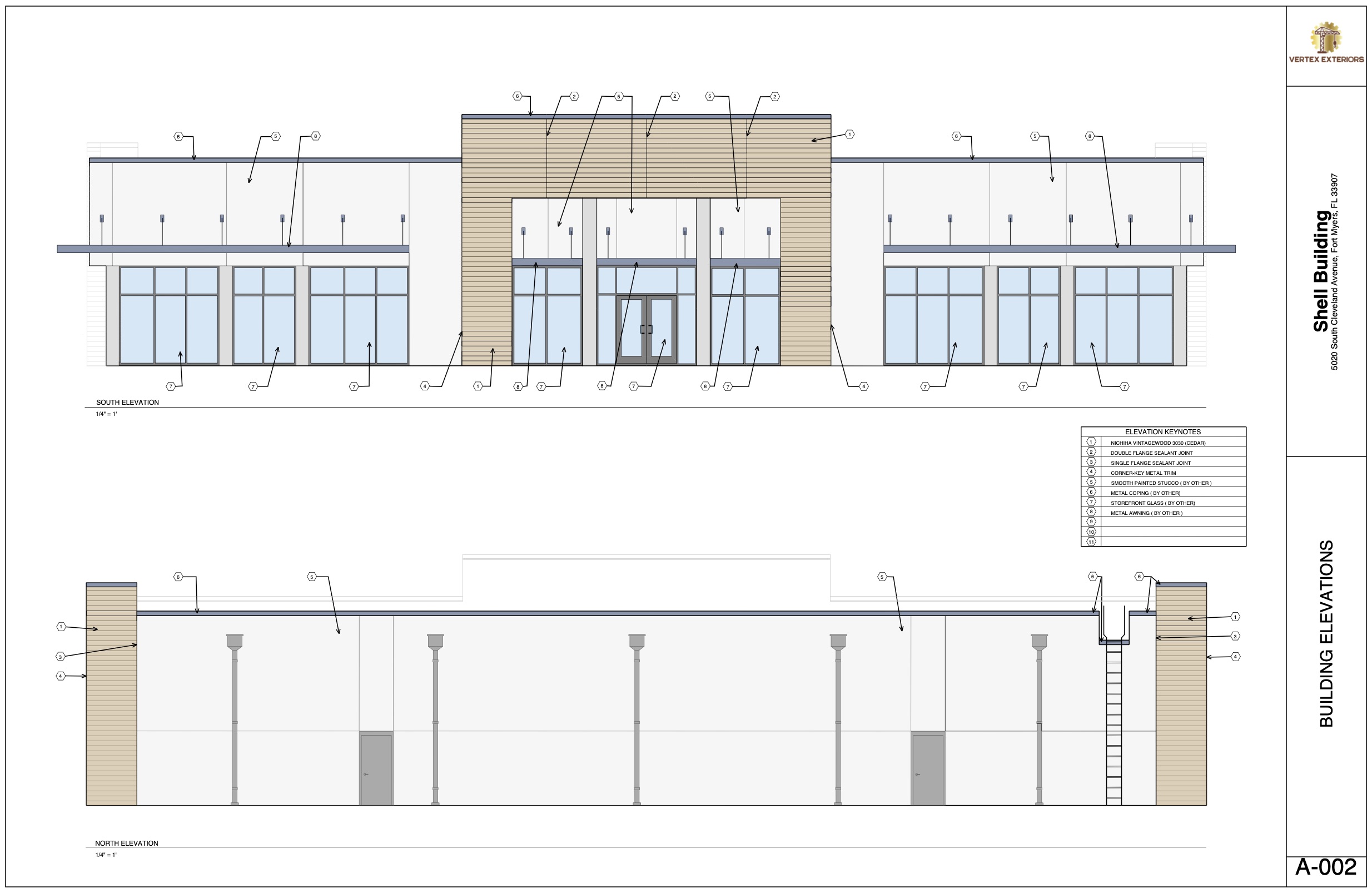
Dice CAD shop drawing preview
From reference to submittal

A lighter workflow for serious project drawings.

Create a project, add sheets, trace underlays, draw linework and notes to scale, reuse saved details, and export the final package when the drawing is ready.

01Create project sheets
02Trace plans and details
03Draft reusable linework
04Export the PDF set

Open a blank sheet and start drafting.

Create an account, start a project, and test the drawing tools directly in your browser.

Dice CAD preview

Drawn using Dice CAD

Login

Return to your project dashboard and continue drafting where you left off.

Projects, saved canvases, templates, and account settings are connected to your Dice CAD login.

Dice CAD preview

Drawn using Dice CAD

Create Account

Your company logo personalizes your workspace and appears on every canvas you draw for a polished, professional look.

Project workspace

Your drawing library

Create, open, rename, and manage the shop drawing projects tied to your account.

Admin portal

Users and project previews

Read-only access to account details and saved drawing sheets.

Edit Profile

Contact support

Choose how you’d like to send us a message:

Account & Billing

Email:
Subscription status:
Current period ends:
Customer ID:
Subscription ID: